Understanding Inner Joins
Published on 11/30/2025
Purpose:
An INNER JOIN connects two tables and returns only the rows where there is a match in both tables.
Venn Diagram Visualization:
Imagine one circle represents users and another represents posts.
An inner join returns only the overlapping section. It excludes:
- Users who have never created a post
- Posts that are not linked to any user
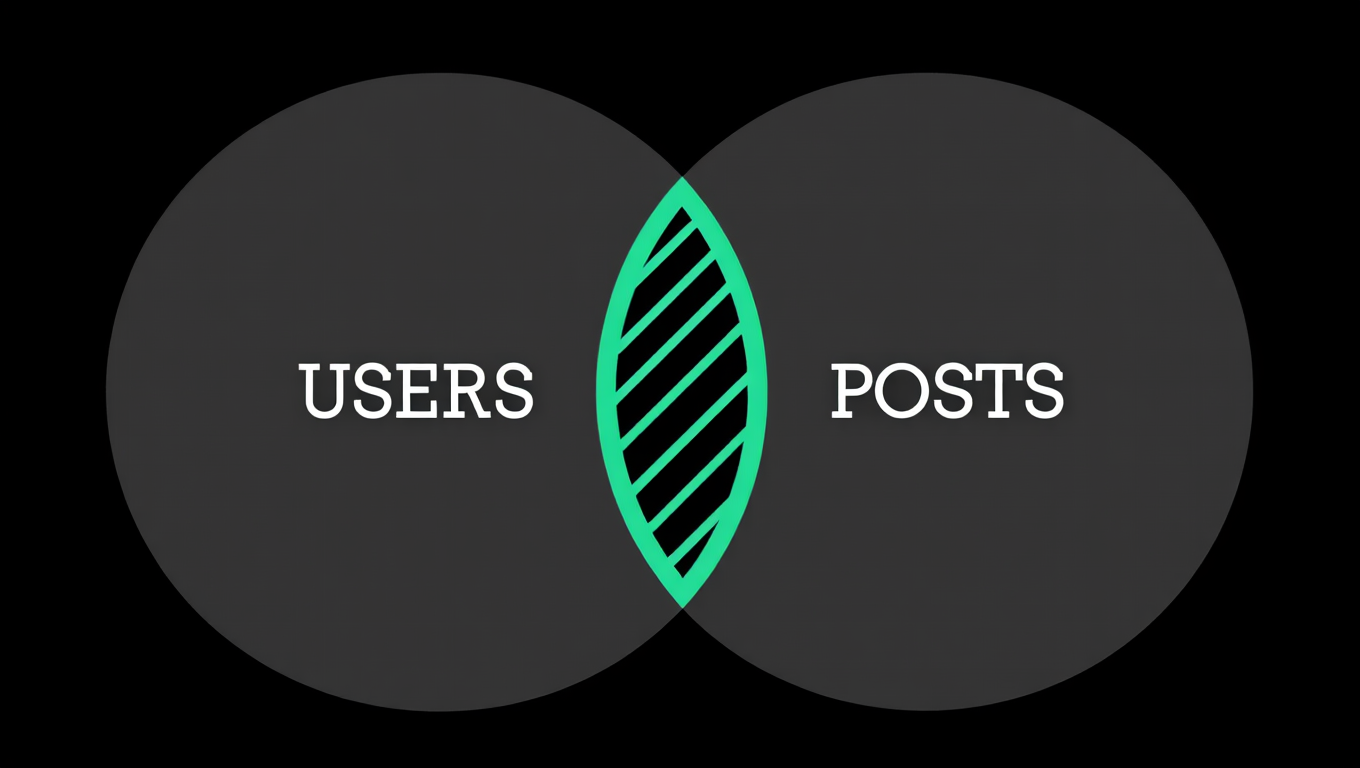
This same idea applies to any pair of related tables.
Default Behavior:
INNER JOIN is the default join in SQL. Writing just JOIN works the same, although being explicit is usually clearer.
SQL Syntax and Best Practices
Basic Syntax
SELECT columns
FROM table_A
INNER JOIN table_B
ON table_A.foreign_key = table_B.primary_key;
Different Examples of Inner Joins
1. Users and Orders
SELECT users.name, orders.total
FROM users
JOIN orders ON orders.user_id = users.id;
Returns only users who have made at least one order.
2. Products and Categories
SELECT products.name, categories.title
FROM products
JOIN categories ON products.category_id = categories.id;
Shows products that actually belong to a category, ignoring products with missing category data.
3. Students and Enrollments
SELECT students.name, enrollments.course_id
FROM students
JOIN enrollments ON enrollments.student_id = students.id;
Returns only students who are enrolled in at least one course.
Important Concepts
Ambiguity:
PostgreSQL cannot guess how the tables relate.
You must explicitly define the relationship with the ON clause, like:
ON orders.user_id = users.idColumn Prefixes:
When selecting columns that appear in both tables (id, created_at, name), you must prefix them:
SELECT users.id, orders.idOtherwise, PostgreSQL will throw an “ambiguous column” error.
Aliasing:
To make queries cleaner, use short aliases:
FROM users u
JOIN orders o ON o.user_id = u.id
Filtering Joined Data:
You can apply any filter after joining:
WHERE orders.created_at > NOW() - INTERVAL '30 days'This returns only recent orders from users.